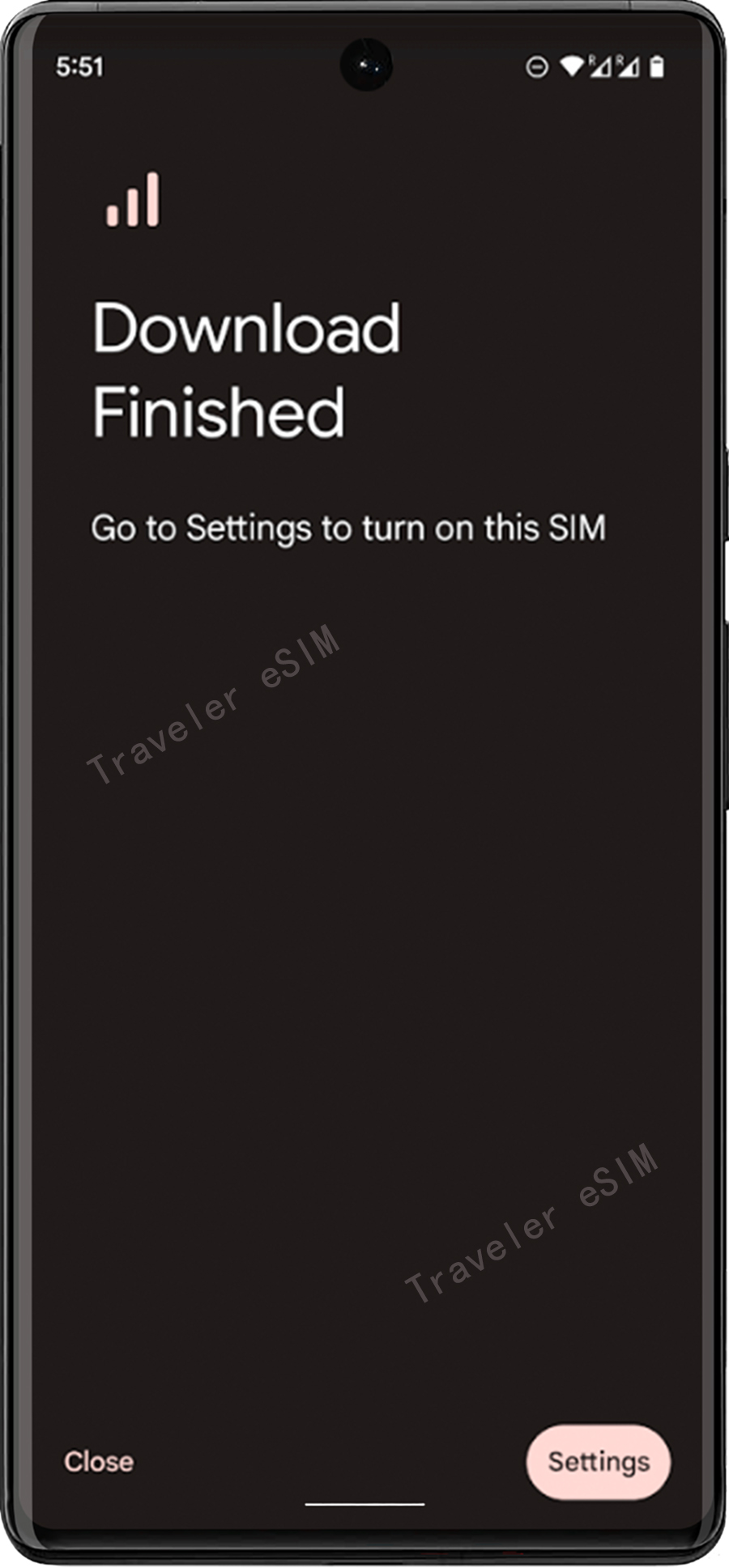
Traveler eSIM Installation Guide
Other Android Devices
Note: Do not interrupt the installation process. Before installation, ensure the device has a stable internet connection.
Step 01
① Select the QR Code option at the top.
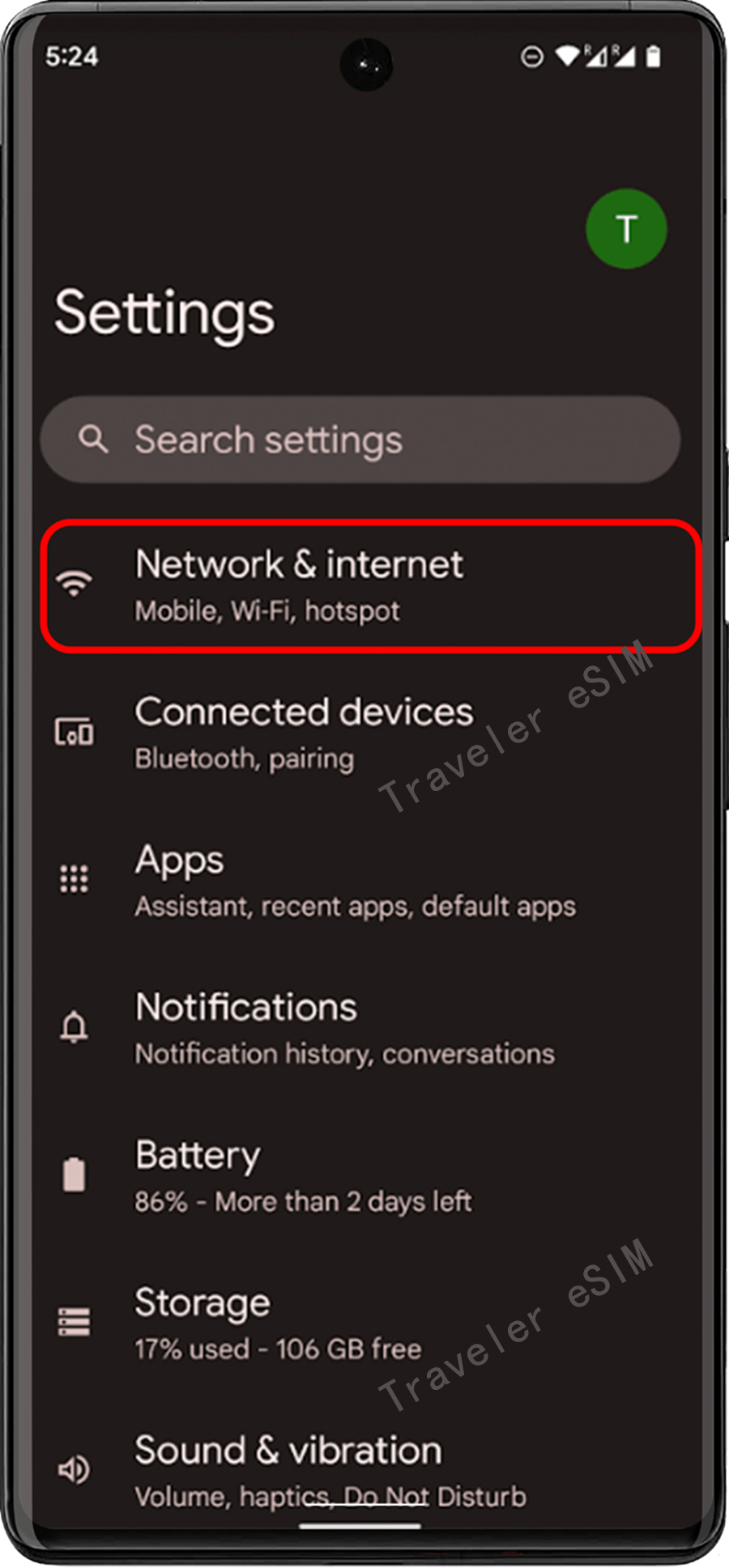
Step 02
② Go to the Settings on your device
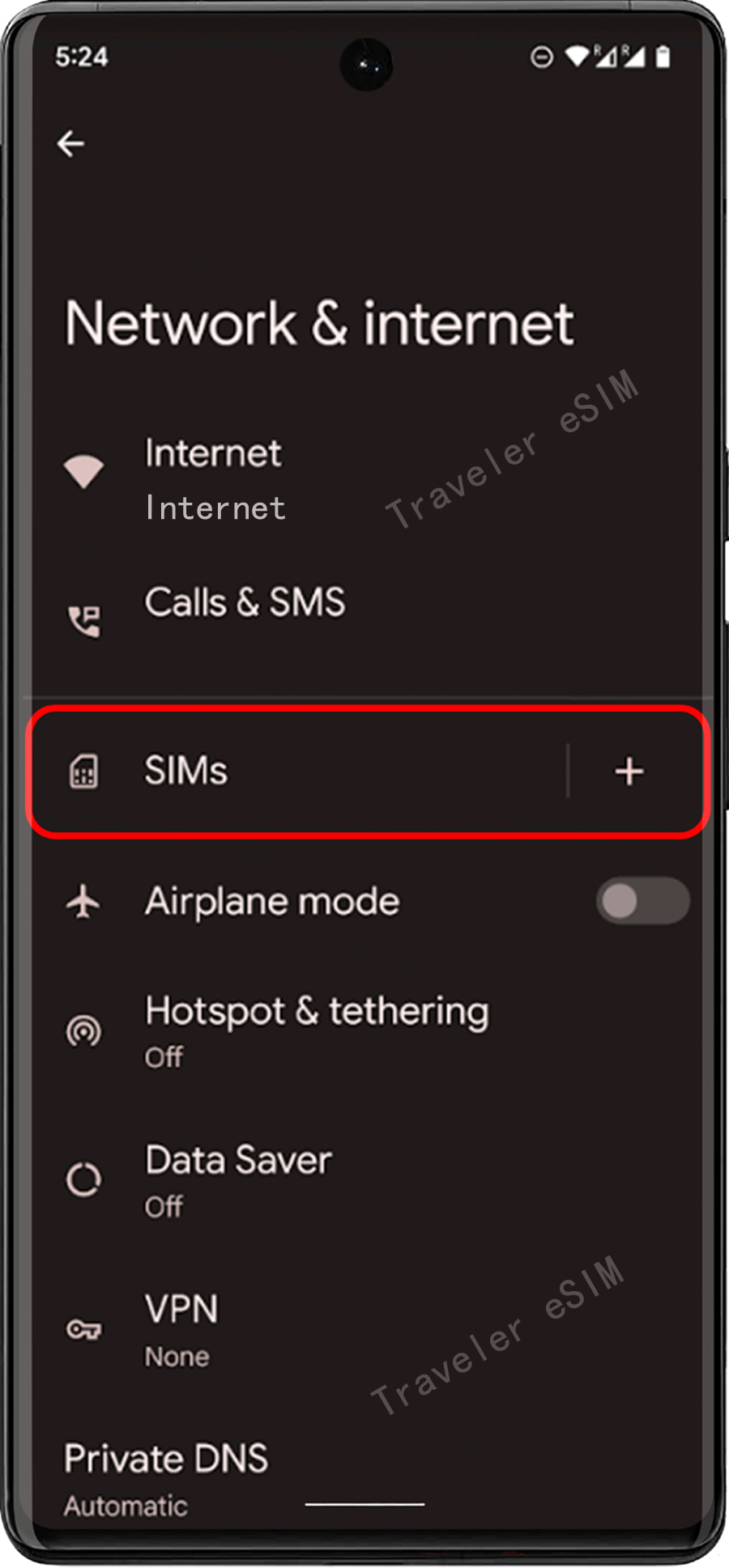
Step 03
③ Tap "Network & Internet"
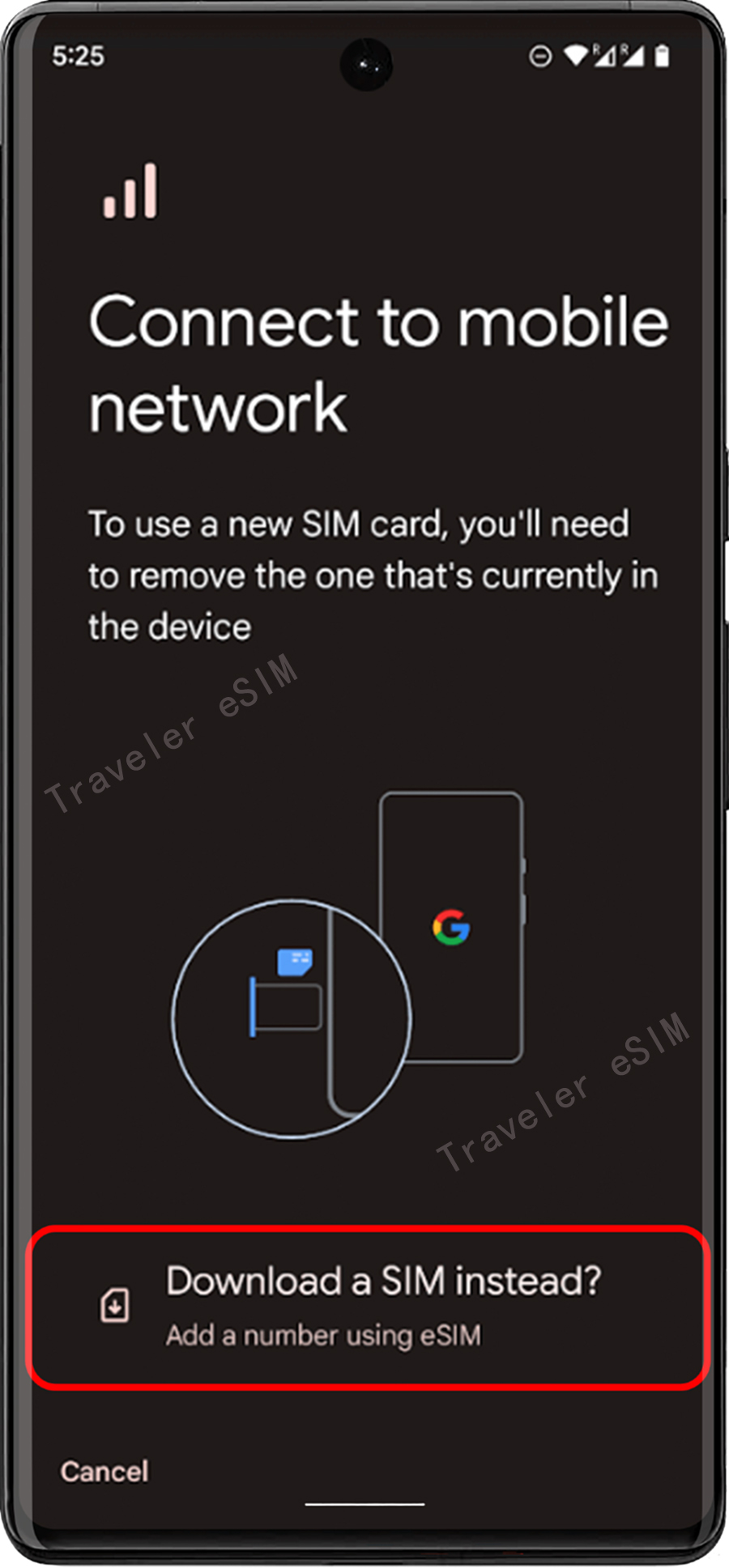
Step 04
④ Tap the "Add" or "+" icon next to Mobile Network
Step 05
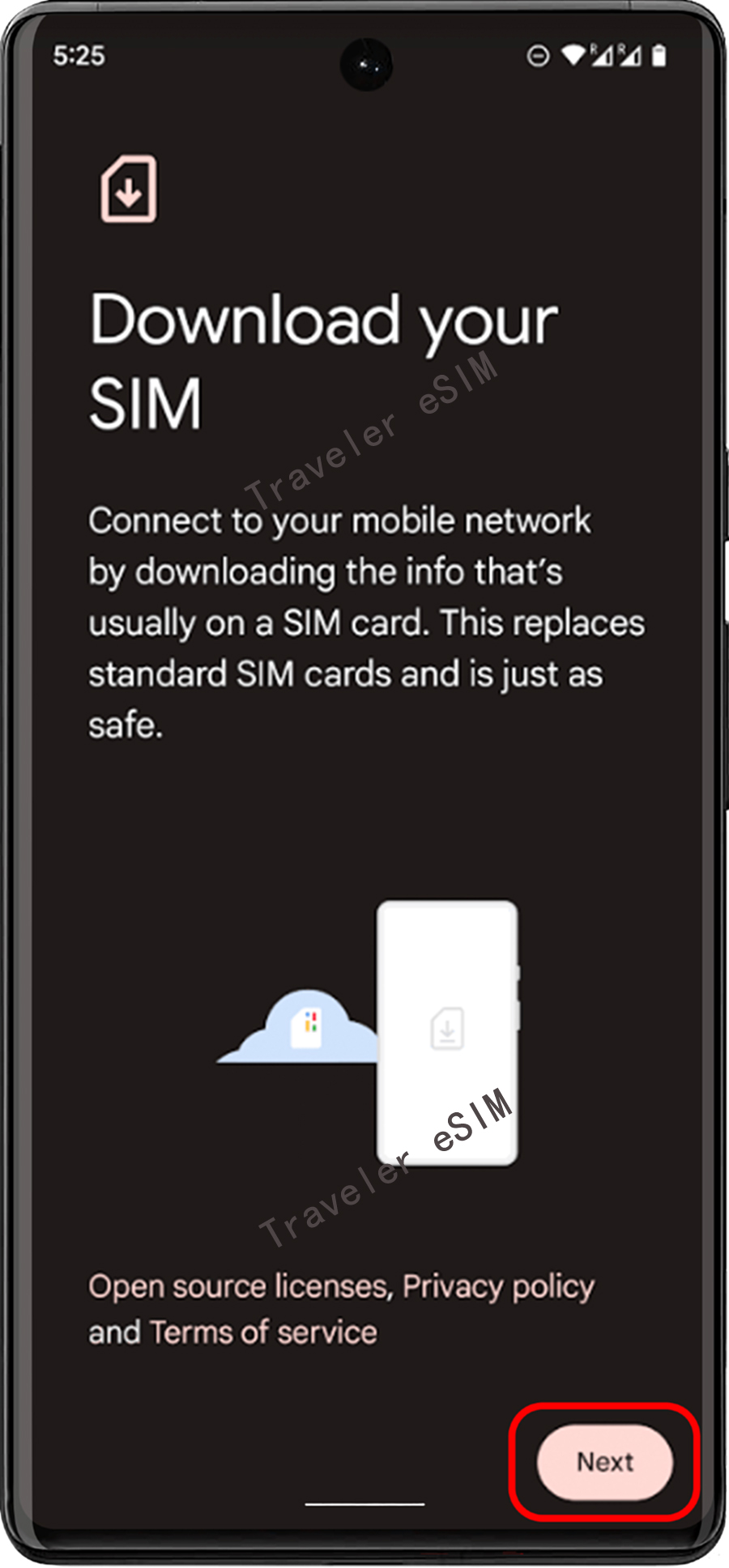
⑤ When the system asks "No SIM card?", tap "Next".
Step 06
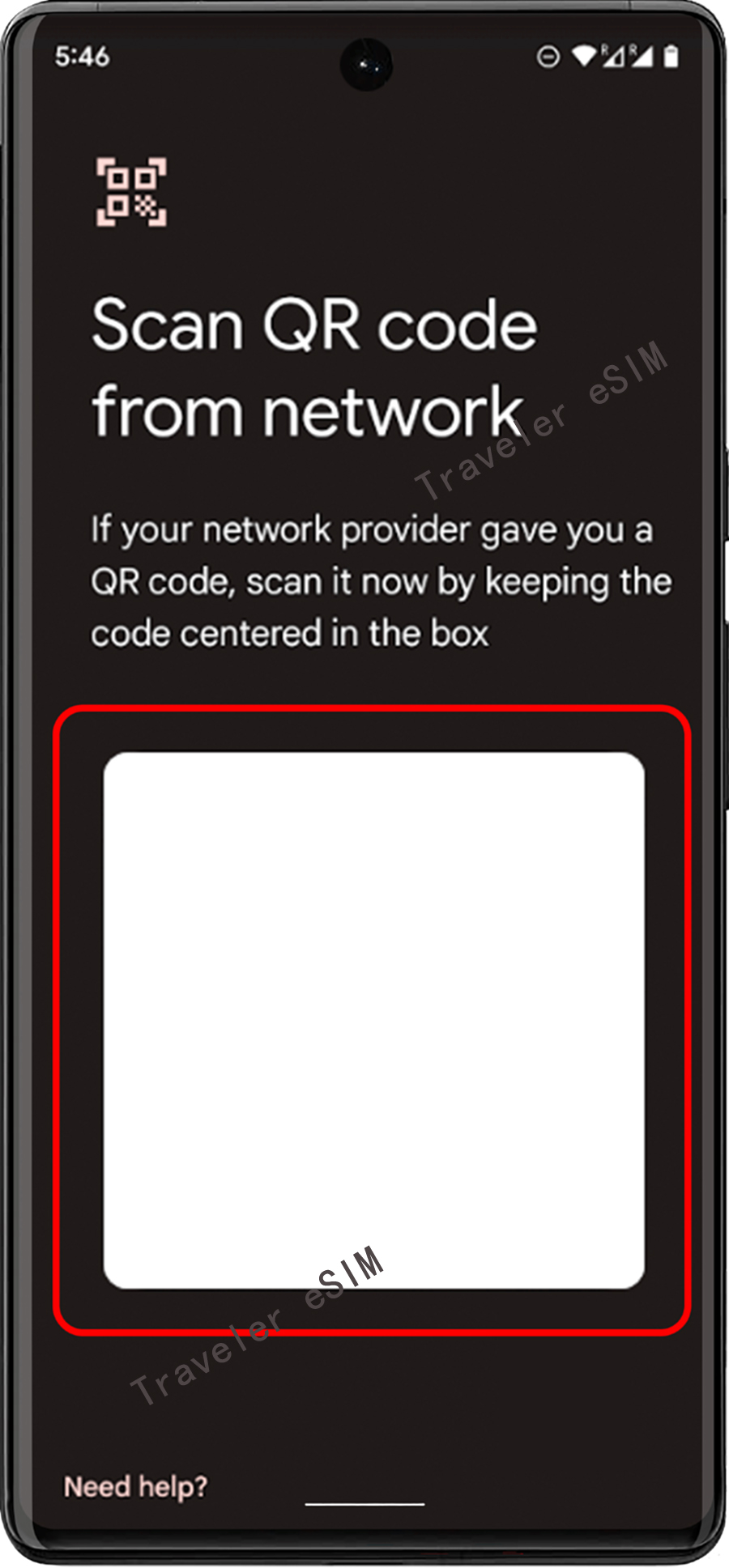
⑥ Scan the QR code and enter the confirmation code when prompted.
Step 07
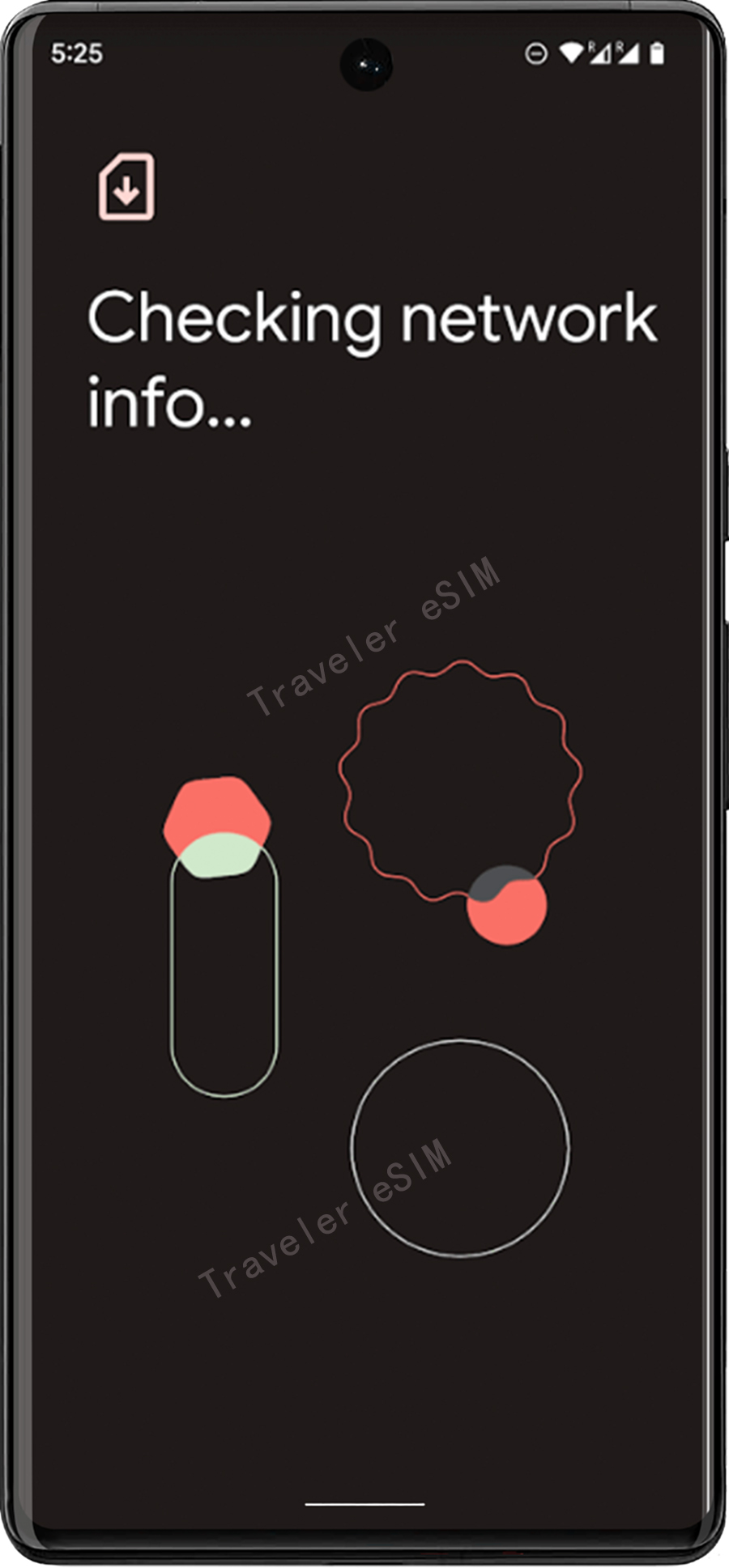
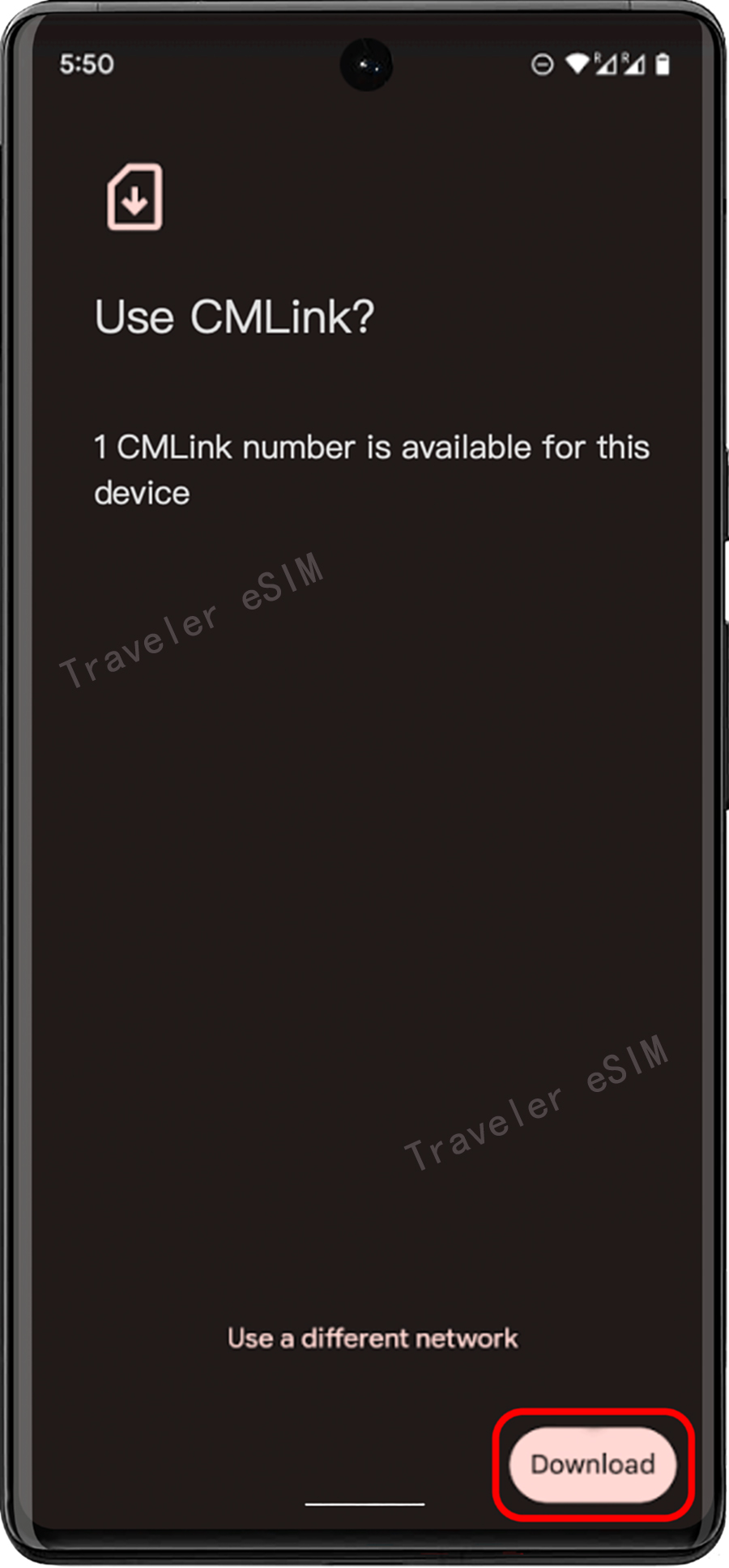
⑦ Return to the "Install eSIM/Access Data" screen. want to add.
Step 08
⑧ Enable your eSIM under Mobile Network, and after activation, you can check it in the SIM Card Manager.