
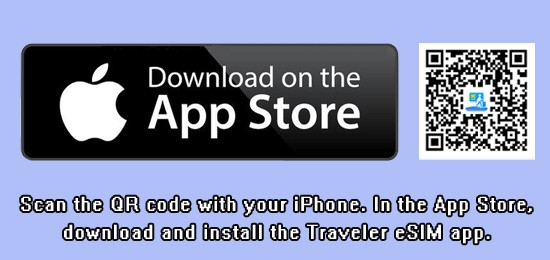






Process for Downloading and Installing Apps from the App Store on Apple Devices
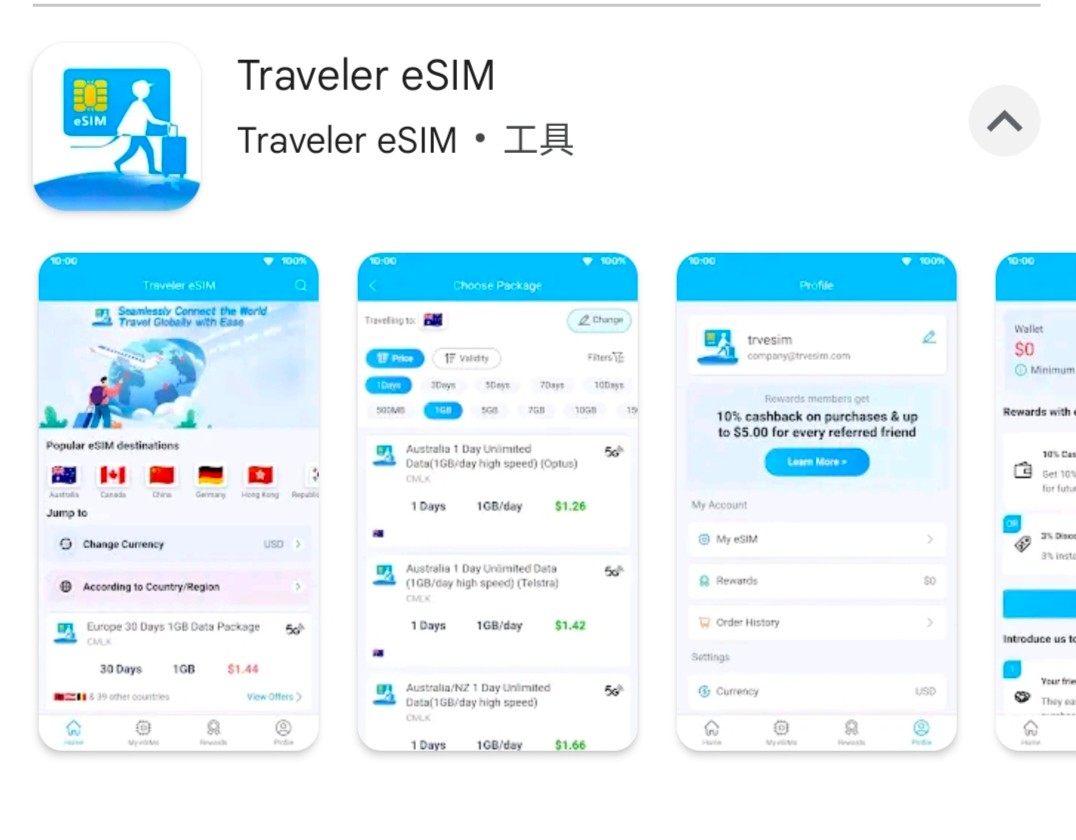
Apple (App Store): Open App Store → Search for “Traveler eSIM” → Tap “Get/Download” → Enter Apple ID password or use Face ID/Touch ID → Wait for installation to complete.
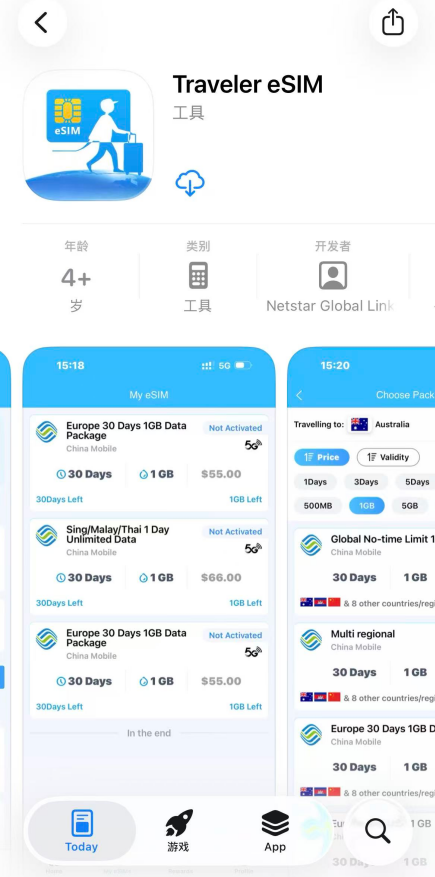
Google Play App Download and Installation Process
Google Play: Open Google Play → Search for “Traveler eSIM” → Tap “Install” → Wait for installation to complete.
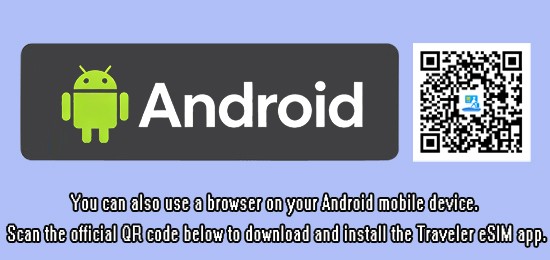
Android users in mainland China
Android users in mainland China: To download and install this app, please use your browser to scan the official QR code and download the “Traveler eSIM” app.