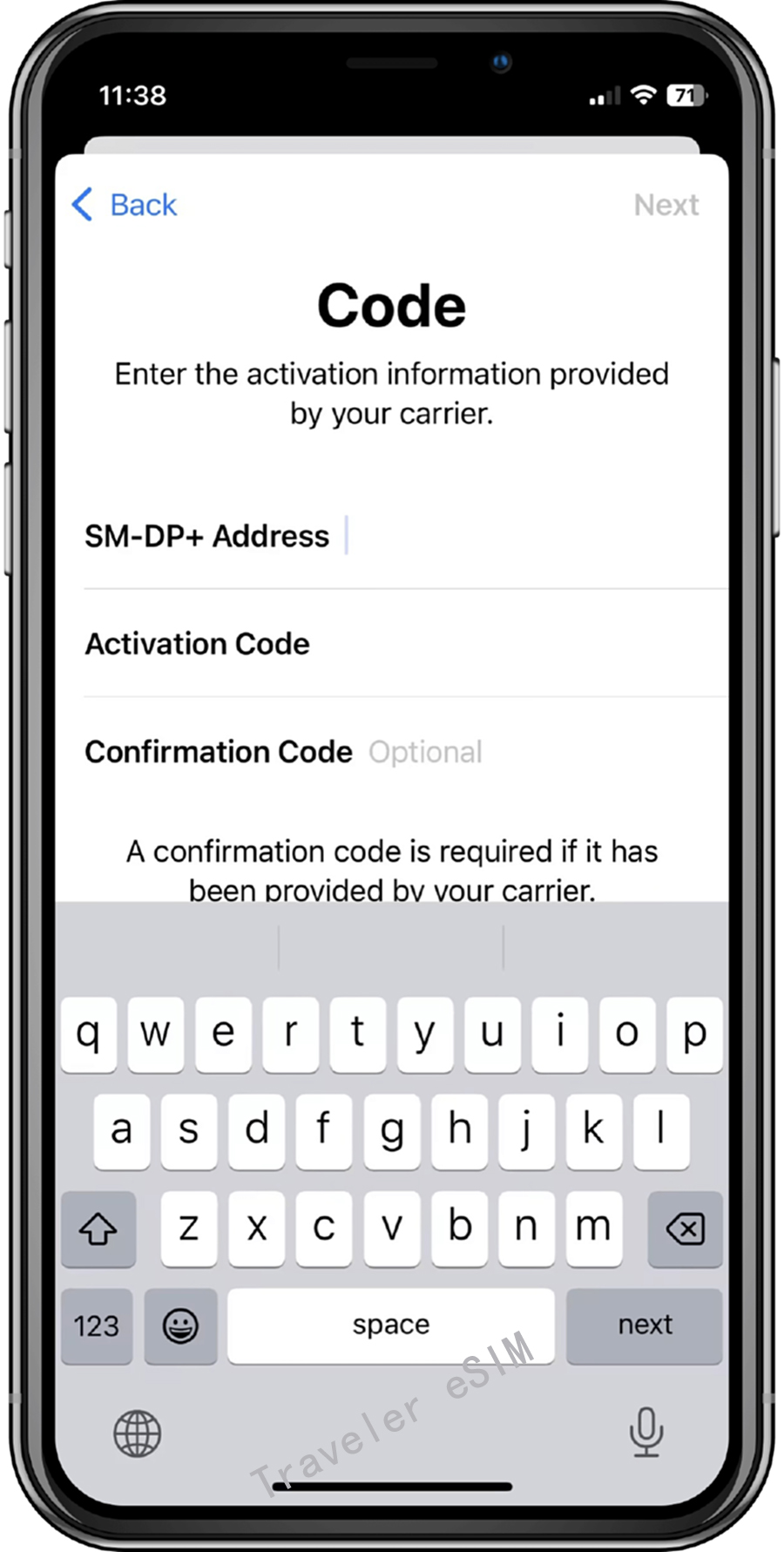
Traveler eSIM Installation Guide
iOS 16 Installation Steps
Note: Do not interrupt the installation process. Before installation, ensure the device has a stable internet connection.
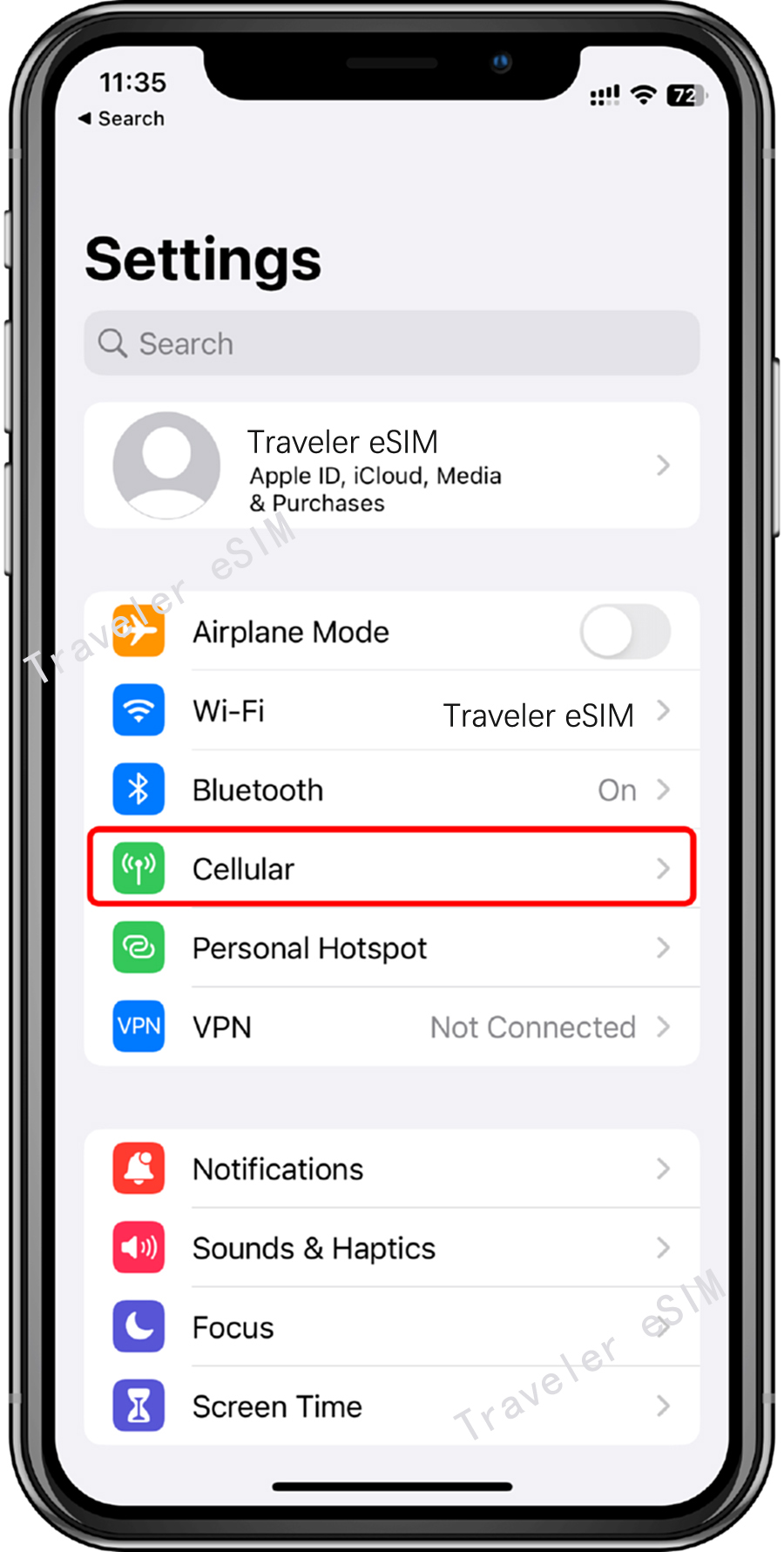
Step 01
① Go to the "Settings" page and tap "Cellular".
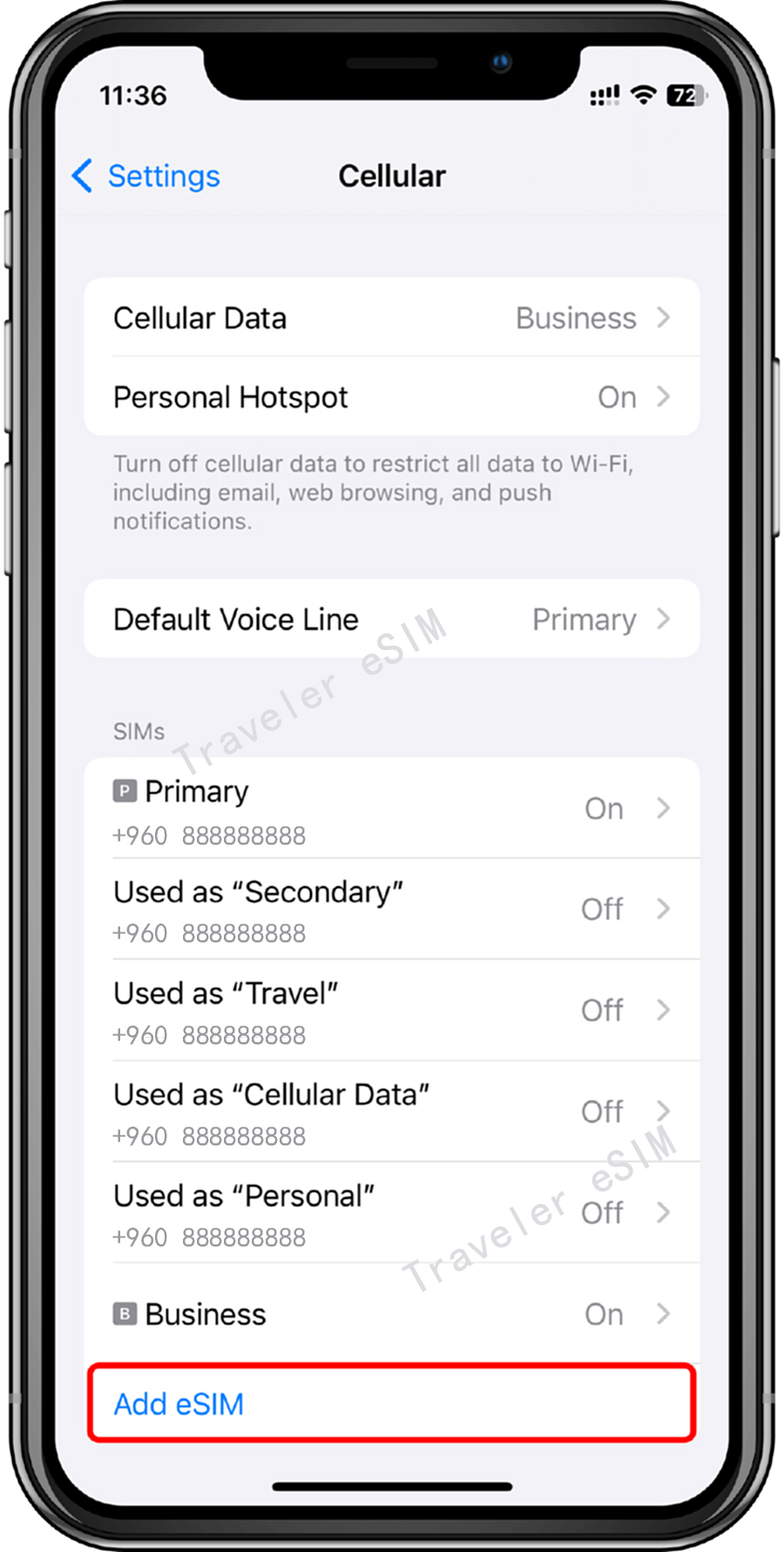
Step 02
② Tap "Add eSIM" or "Set Up Cellular Number".
Step 03
③ Tap "Use QR Code".
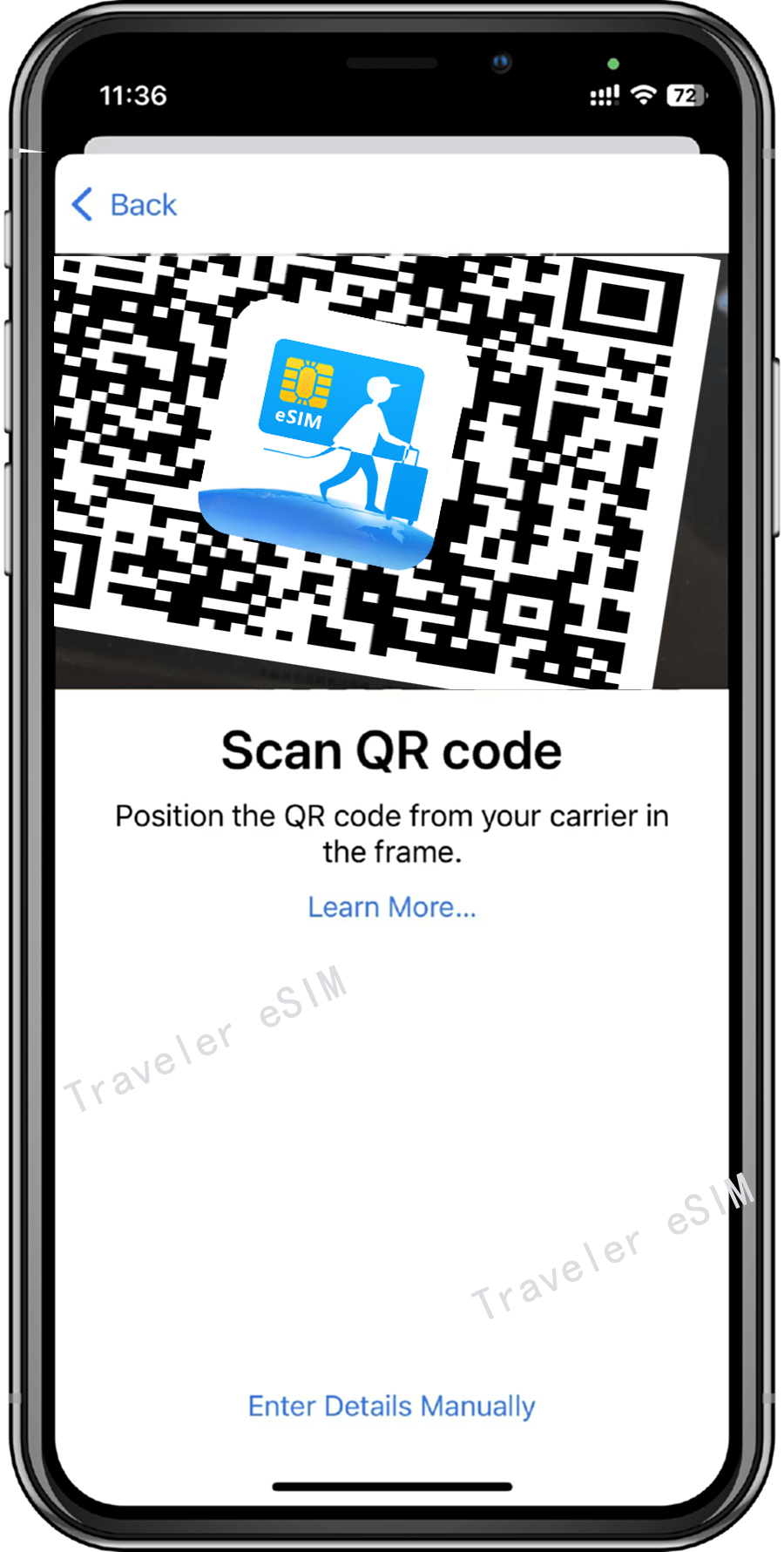
Step 04
④ Scan the QR code provided on the Traveler eSIM App, then tap "Continue" twice and wait for a moment. Your eSIM will connect to the network, which may take a few minutes, then tap "Done".